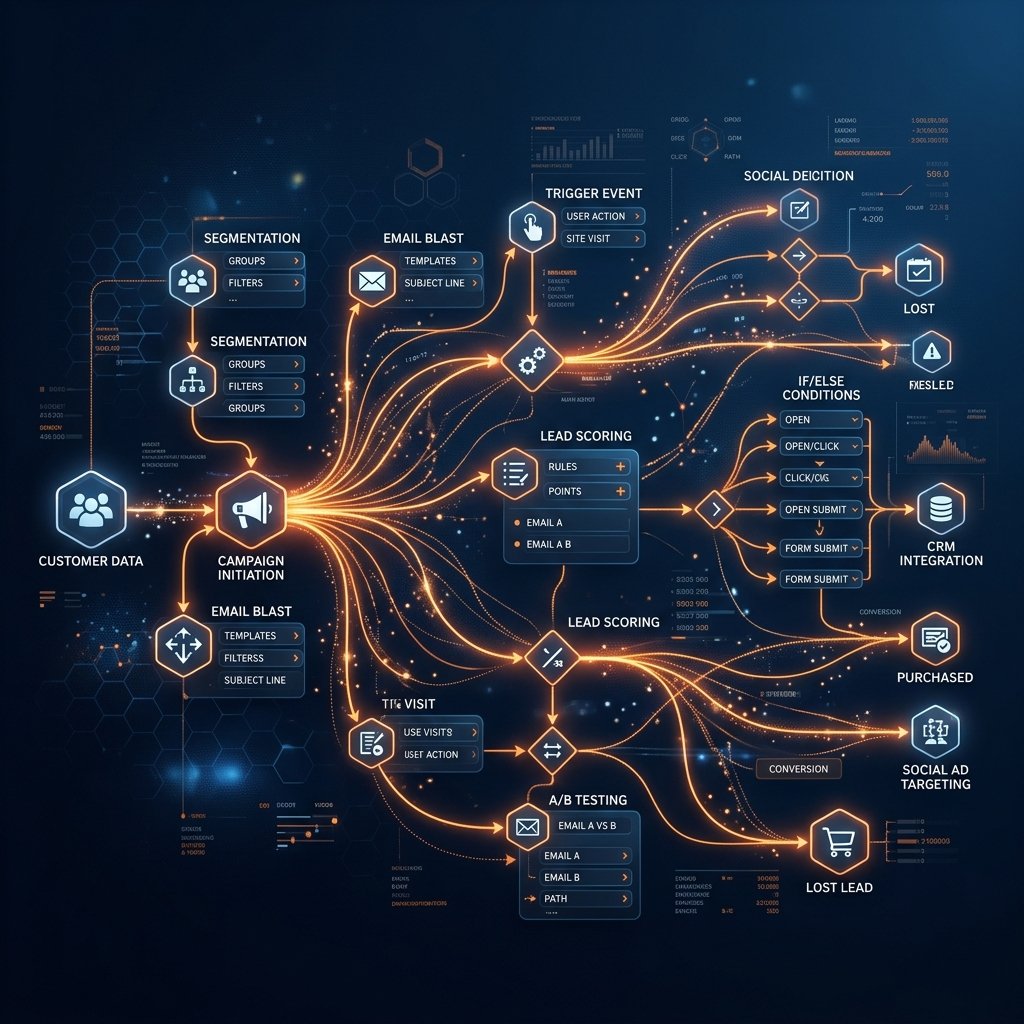
Automation is the key to scaling without increasing headcount. If your reps are doing manual data entry, you are bleeding money. Discover the 10 essential HubSpot workflows that drive revenue and save hours.
1. The "Speed to Lead" Router
When an inbound lead comes in, every minute counts. This workflow automatically assigns the lead based on territory or company size, sets a task for the rep, and sends an immediate personalized introductory email from the assigned owner.
2. The Deal Stalled Alert
Deals die when they sit idle. Create a deal-based workflow triggered when "Last Activity Date" is more than 7 days ago AND the Deal Stage is not Closed. Action: Send an internal Slack notification and create a high-priority task for the account executive.
3. Lifecycle Stage Syncing
Keep your data clean automatically. Trigger: Deal Stage is updated to "Closed Won". Action: Update associated Company Lifecycle Stage to "Customer" and update all associated Contacts to "Customer".
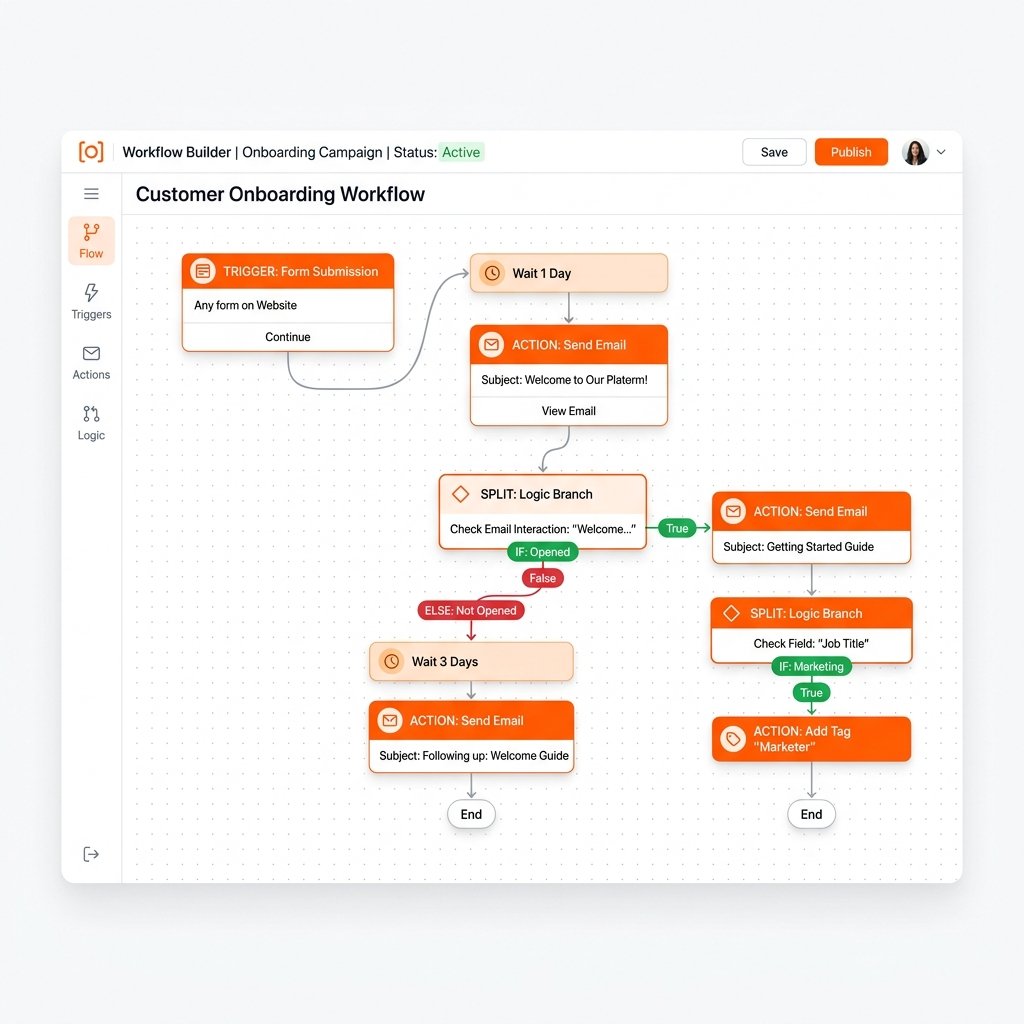
Want these workflows built for you?
Book a free discovery call and let's discuss how we can automate your pipeline to close deals 3x faster.
Book a Call4. The Post-Demo Nurture
Trigger: Meeting outcome property is set to "Demo Completed" but no deal is created and the contact has not booked a follow-up within 24 hours. Action: Enroll contact in a 3-part educational sequence over 7 days — case studies, ROI data, and a specific objection-handler email based on the company size segment. Stops the moment the contact creates a deal or books a call.
5. Customer Success and NPS Handoff
Trigger: Deal Stage becomes Closed Won. Action: Create an onboarding ticket in the service pipeline, assign to the CS team, send a welcome email from the account manager, and schedule a 30-day automated NPS survey. This workflow ensures no new customer waits for a manual handoff while the sales rep moves to the next deal.
6. MQL to Sales Handoff
Trigger: Contact Lead Score reaches 50 AND Lifecycle Stage is Marketing Qualified Lead. Action: Notify the assigned rep via email and Slack, create a high-priority task ("Call within 24 hours"), move the contact to Sales Qualified Lead, and log an internal note on the contact record with the scoring rationale. This is the bridge between marketing and sales — without it, MQLs sit in a queue nobody watches.
7. Cold Lead Win-Back
Trigger: Contact is in Lifecycle Stage "Lead" with Last Activity Date more than 90 days ago AND has not unsubscribed. Action: Enroll in a 3-email win-back sequence over 3 weeks. Email 1 is a value-add resource. Email 2 is a case study relevant to their industry. Email 3 is a direct "are you still evaluating?" ask with a one-click meeting link. Re-engages 8 to 15% of cold contacts with zero rep effort.
8. Meeting No-Show Recovery
Trigger: Meeting status is "No-Show" (connected from HubSpot Meetings). Action: Wait 30 minutes, then send a rebooking email from the rep with two suggested times. Create a follow-up task for the rep. If the contact does not respond in 3 days, send a second outreach. If no response in 7 days, move to a longer-term nurture sequence. Most teams lose no-shows permanently — this workflow recovers 20 to 35% of them.
9. Renewal and Upsell Trigger
Trigger: Customer has been in Lifecycle Stage "Customer" for 9 months AND Company Annual Revenue or Monthly Retainer Value has increased by 20% or more since deal close. Action: Create an upsell deal in the pipeline, assign to the account manager, and send an internal alert with the account summary. Works best for SaaS teams and agencies with usage-based signals from Stripe, Chargebee, or a product analytics integration.
10. Churn Risk Alert
Trigger: Customer health score drops below a defined threshold (tracked via a calculated property or Operations Hub data sync from a CS tool like Gainsight or ChurnZero). Action: Immediately notify the CS manager, create a high-priority "At-Risk Review" task, log an internal note on the company record, and move the contact into an at-risk segment for targeted retention outreach. Without this automation, churn signals are invisible until the cancellation call happens.
How to Prioritize Which Workflows to Build First
Not all 10 workflows deliver equal return. For a team just getting started with HubSpot automation, the correct build sequence is: Speed-to-Lead Router first (highest immediate revenue impact), then Lifecycle Stage Syncing (data quality foundation), then Deal Stalled Alert (pipeline accuracy), then MQL Handoff (sales-marketing alignment), then Post-Demo Nurture (close rate improvement). The remaining five workflows build on a clean, working foundation.
A common mistake is building the win-back and churn workflows before fixing the lifecycle stage automation. If your lifecycle stages are wrong, your churn risk criteria will fire on the wrong contacts. Fix the foundation before layering on the advanced signals.
Frequently Asked Questions
What is a HubSpot workflow?
A HubSpot workflow is an automated sequence of actions that fires when a contact, deal, company, or ticket meets a defined set of criteria. Workflows replace manual tasks: instead of a rep manually sending a follow-up email or a manager manually assigning a lead, the workflow executes the action automatically the moment the trigger condition is met.
How many workflows should a small sales team have in HubSpot?
A small team of 3 to 10 people typically needs 8 to 15 active workflows to fully automate their revenue process. Start with the 5 highest-impact workflows (speed-to-lead, lifecycle sync, deal stalled alert, MQL handoff, customer handoff) and add complexity as your team grows. More workflows is not always better — every workflow needs to be monitored for errors and tested after HubSpot updates.
Can HubSpot workflows replace a sales rep?
Workflows replace repetitive administrative tasks — follow-up emails, lead assignment, task creation, data updates — but not relationship-based selling. The goal is to eliminate everything a rep does that is not a genuine conversation with a prospect. When automation handles the logistics, reps spend 100% of their available time on calls and deals.
Want these workflows built for you?
Our Revenue Automation engineers design and implement custom, autonomous systems that drive immediate ROI. Let's talk.
Explore Revenue AutomationCertified RevOps Partner
Need a CRM implementation done right?
Pixiu X holds 30+ certifications across HubSpot, Clay, and other leading RevOps platforms — including HubSpot's highest-level Solutions Partner accreditations. Fixed fee, no retainer.