
You cannot automate revenue on top of broken foundations. Stop adding new workflows to a portal that has never been audited. Here is the complete HubSpot audit checklist covering 9 areas — data, properties, automation, pipelines, reporting, integrations, lead scoring, email deliverability, and team adoption.
Area 1: Database Health and Integrity
The foundation of any CRM is its data. If sales reps do not trust the data, they will not use the CRM. Data health is not a one-time cleanup — it is an ongoing discipline that requires enforced standards.
- Duplicate contacts and companies: Navigate to Contacts > Actions > Manage Duplicates. If you have more than 5% duplicates, your data ingestion process is broken. The most common sources are form submissions without deduplication logic and bulk imports without domain matching.
- Hard bounce rate: Audit your hard bounces under Marketing > Email > Health. Anything over 2% per campaign damages your domain reputation and eventually affects deliverability across all sends from your domain.
- Missing mandatory fields: Are reps creating deals without filling out Amount or Close Date? Go to Settings > Properties and implement conditionally required properties that block deal stage advancement until key fields are populated.
- Unsubscribe and opt-out list: Verify your suppression lists are current and that contacts who have unsubscribed are not being re-enrolled in marketing workflows through backdoor triggers.
"A CRM is only as valuable as the decisions it allows you to make. Garbage data leads to garbage strategy."
Area 2: Property Architecture
Portals accumulate hundreds of unused properties over time. This creates confusion for reps, slows down contact record loading, and makes reporting unreliable because the same data gets stored in multiple places.
- Unused custom properties: Go to Settings > Properties. Filter by "Used in" = 0. Delete or archive every property no workflow, form, or report references. Anything with zero usage in the last 6 months is a candidate for archival.
- Naming convention audit: Every property should follow a strict naming convention: [Object] - [Category] - [Field Name]. Inconsistent naming causes reps to create duplicate properties for the same data point, splitting your reporting.
- Dropdowns vs. free text: Every field where you need to report or segment should be a dropdown or checkbox, not free text. Free text fields produce hundreds of variations of the same answer and make segmentation impossible.
- Field grouping on record views: Audit how properties are organized in the contact, company, and deal record views. Properties that reps need to update daily should be in the first card. Rarely used properties should be collapsed or removed from the view entirely.
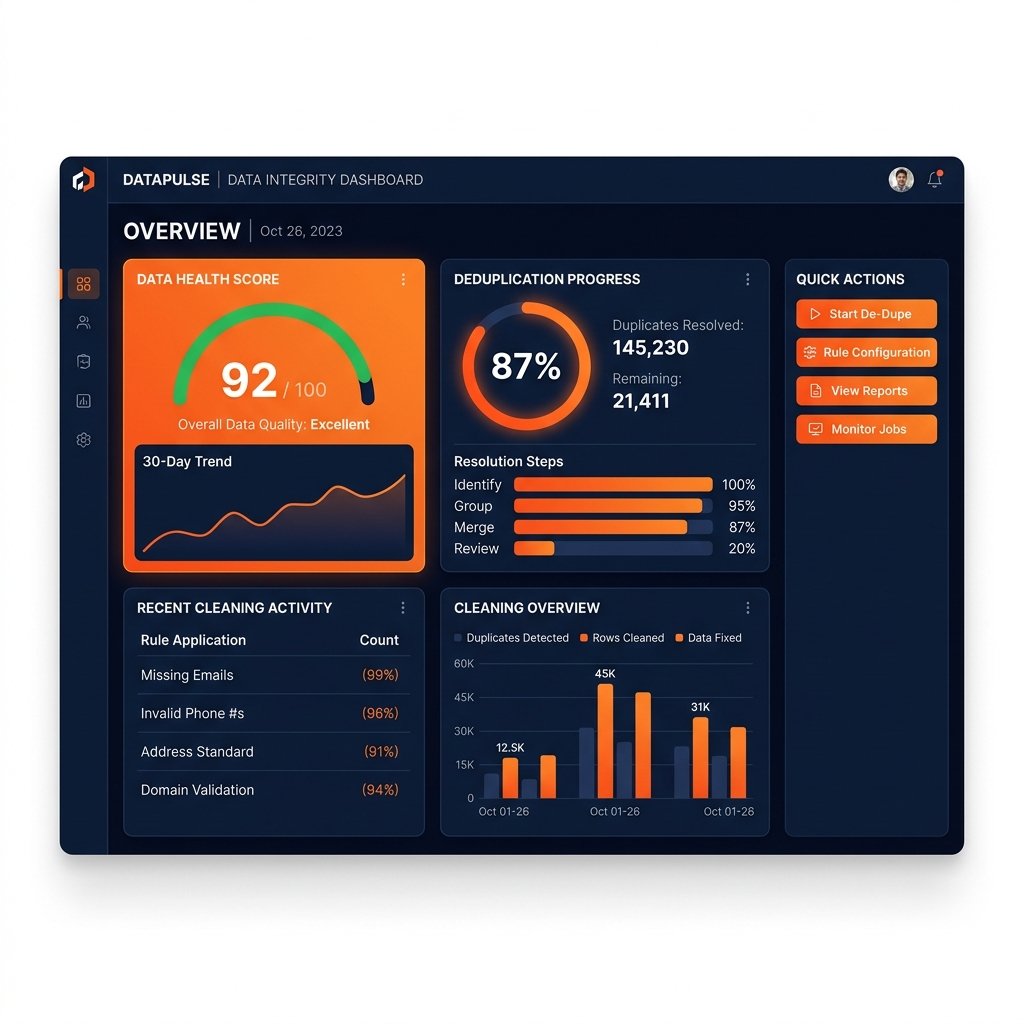
Stop guessing. Let an expert audit your portal.
Book a free 30-minute discovery call and we'll help you map out the exact steps to clean your HubSpot data.
Book a CallArea 3: Automation and Workflows
Broken workflows are silent killers. They misroute leads, send the wrong emails, and artificially inflate pipeline velocity while your actual close rate stays flat.
- Workflow errors tab: Check the "Needs attention" tab in your workflows dashboard. Every error represents a contact who did not receive the action the workflow intended. Fix every error before building anything new.
- Consolidate redundant workflows: If you have 5 workflows updating the same property, consolidate them into a single branching workflow. Redundant workflows create race conditions where two automations update the same contact simultaneously with conflicting values.
- Enrollment trigger audit: Review every active workflow enrollment trigger. Contacts should not be double-enrolled in conflicting marketing campaigns or in lifecycle workflows that contradict each other.
- Inactive workflow review: Any workflow that has been off for more than 3 months should be archived or deleted. Inactive workflows clutter the dashboard and get accidentally reactivated during edits.
Area 4: Deal Pipeline and Sales Stages
An audit of the pipeline configuration reveals whether your sales data is structured for accurate forecasting or just tracking activity without meaning.
- Stage exit requirements: Every deal stage should have at least one required property that must be filled before the deal advances. Without this, deals move based on rep optimism, not actual buyer behavior.
- Win probability calibration: Compare the win probability assigned to each stage against your actual historical close rate by stage. If your "Proposal Sent" stage has 60% win probability in HubSpot but your real close rate from that stage is 20%, your forecast is systematically overstated.
- Closed Lost reason tracking: Is there a required Closed Lost Reason property? If reps can close deals as lost without selecting a reason, you lose the most valuable data in your CRM for identifying pattern failures in your sales process.
- Pipeline count audit: Do you have more pipelines than you actually use? Unused pipelines create confusion and make cross-pipeline reporting unreliable.
Area 5: Reporting and Dashboards
Most HubSpot portals have dashboards that no one actually opens. A reporting audit identifies what leadership and managers need daily versus what gets built and then forgotten.
- Dashboard usage: Check Settings > Reporting > Dashboards. Review which dashboards were last accessed. Dashboards with no views in the last 30 days should be evaluated for removal or consolidation.
- Revenue report accuracy: Does your pipeline revenue report match what finance tracks? If there is a consistent discrepancy, the issue is usually deal amount property being optional or lifecycle stages being manually overridden.
- Activity report by rep: Verify that the call, email, and meeting activity reports reflect real work. If a rep shows zero logged activities but closed 3 deals this month, their integration is broken or they are not logging activity to HubSpot.
- Attribution report: Check whether first-touch and last-touch attribution reports are available and accurate. Missing attribution data usually means the tracking code is not firing on all pages or forms are embedded without HubSpot tracking.
Area 6: Integration Health
Broken integrations silently corrupt data. A contact that enters through a Zapier integration with wrong lifecycle stage, a deal created by Stripe without an owner, or a call logged from a phone dialer with the wrong format — all of these are integration health issues.
- Connected apps audit: Go to Settings > Integrations > Connected Apps. Review every connected integration. Remove any app that is no longer in use — unused integrations still have active data access to your CRM.
- Data sync errors: If you use HubSpot's Operations Hub Data Sync, check the sync error log. Contacts that fail to sync often fail silently without notifying anyone.
- Webhook and API logs: If you have custom integrations, check that they are sending data in the correct format. Pay special attention to lifecycle stage values, owner assignment, and association logic.
Area 7: Lead Scoring and Lifecycle Stages
Lead scoring only works if it is calibrated against actual conversion data. Most portals have lead scoring set up once and never reviewed.
- Score calibration: Filter contacts by score range and compare their actual conversion to SQL rate. If contacts with a score of 80 or above convert at the same rate as contacts with a score of 30, your scoring model is not predictive.
- Lifecycle stage distribution: Pull a contact count by lifecycle stage. If 70% of your database is in "Lead" and almost nothing is in "MQL," your lifecycle stage automation is either broken or your scoring thresholds are set too high.
- Score decay: Does your scoring model reduce score for contacts who go inactive? If a contact scored 90 two years ago and has not opened an email since, they should not still be showing as a high-score lead today.
Area 8: Email Deliverability
Email deliverability issues are often invisible until they cause catastrophic damage to your sending reputation. Check these signals regularly, not just after a campaign fails.
- Domain authentication status: Go to Settings > Email > Sending Domains. Verify SPF, DKIM, and DMARC are all showing as authenticated. A single misconfigured record can cause all marketing emails to land in spam.
- Spam complaint rate: Your spam complaint rate should be under 0.1%. Above 0.3% triggers automatic deliverability degradation from major inbox providers. If you are above this threshold, audit your list quality and opt-in sources immediately.
- Suppression list health: Unsubscribes, bounces, and spam reporters should all be on your suppression list and should never receive marketing sends. Confirm HubSpot is honoring all suppression categories across every email type.
Area 9: Team Adoption and Usage
The most technically perfect portal fails if reps do not use it. Adoption metrics reveal whether your onboarding and training have taken hold or whether the CRM is being used as an expensive contact spreadsheet.
- Login frequency by user: Check the Users & Teams dashboard for last login dates. Any rep who has not logged in within the last 7 business days is not using HubSpot as their system of record.
- Deal update frequency: Filter deals by "Last modified date" in the past 7 days. If a significant portion of your pipeline has not been touched by a rep in the past week, deals are being worked outside HubSpot and the CRM is not reflecting reality.
- Task completion rate: Compare tasks created vs. tasks completed by rep. A completion rate below 60% indicates either tasks are being created automatically by workflows that reps ignore, or reps are not building the habit of working from their HubSpot task queue.
- Template and sequence usage: Are reps using the email templates and sequences your team built? Check usage data under Sales > Templates. Low usage means reps are sending emails outside HubSpot, breaking activity tracking.
Frequently Asked Questions
How often should you audit your HubSpot portal?
A full portal audit should happen at least once per year. For teams actively building in HubSpot, a quarterly audit of workflows, pipeline configuration, and database health prevents small issues from compounding. Data quality checks (duplicates, bounce rates, missing fields) should be part of a monthly operational routine.
How long does a HubSpot audit take?
A self-conducted audit of the 9 areas in this checklist takes 8 to 16 hours depending on portal complexity. A professional HubSpot audit by a certified Solutions Partner typically involves 2 to 4 days of portal analysis and delivers a prioritized remediation plan rather than just a list of issues.
What is the most common finding in a HubSpot audit?
The most common finding is unused custom properties — most portals have 3 to 5 times more custom properties than they actively use, which clutters the contact record and confuses reps. The second most common is broken or misfiring workflows that have been running in the background for months without anyone checking the error log.
Should I do a HubSpot audit myself or hire a partner?
A self-audit using a structured checklist works well for identifying surface-level issues — duplicates, unused properties, obvious workflow errors. A partner audit is more valuable when you have complex automation, custom integrations, or a team that has been using HubSpot for years without formal governance. Partners identify issues that are hard to see when you are too close to the system.
Overwhelmed by your HubSpot portal?
Don't waste weeks trying to fix it yourself. Let our certified HubSpot architects perform a deep-dive audit and restructure your CRM for scale.
Book a Free Portal AuditAccredited HubSpot Partner
Want us to run this audit for you?
Pixiu X offers a free HubSpot portal audit. We review your data, workflows, pipelines, and integrations and deliver a priority fix list in 5 business days. No cost, no obligation.